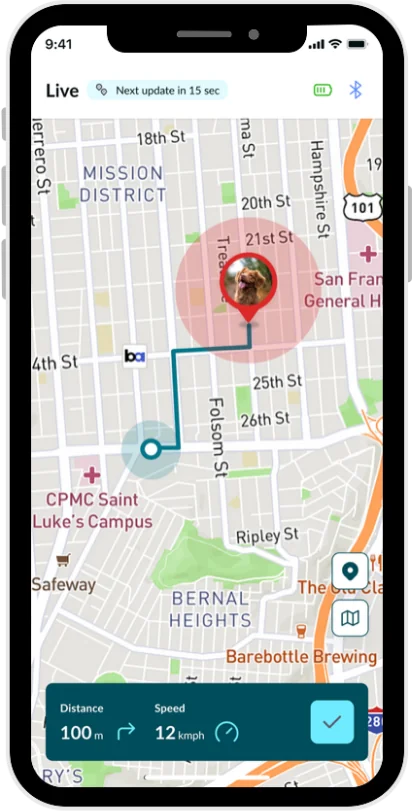
Your pet
Your dog on your account.
Frequently asked questions
Can I add a second dog to my account?
Not at the moment. Each Waggi account has one dog’s profile, with one tracker. If setup is done again on the same account, the new profile replaces the old one.
Can my family see my dog in their own app?
Not yet. Sharing with friends and family is coming soon.
Your tracker
Passing a tracker on, or replacing one.
- 1Make sure it’s really lost or broken
- 2Ask support to remove the old tracker
- 3Sign out and back in, then tap Pair Device
- 4Pair the new tracker
Frequently asked questions
Can I add a second tracker to my account?
Not at the moment. Each Waggi account has one dog and one tracker. To swap to a new tracker, for example if yours is lost or broken, contact support to remove the old one, then pair the new one from the Home screen.
Will I lose my dog’s history if I replace the tracker?
Your dog’s profile, saved walks, virtual fences and alert settings stay on your account. Health starts again from the day you pair the new tracker, so steps, calories and sleep recorded by the old one no longer show there.
Can I give or sell my tracker to someone else?
Not from the app yet. A tracker stays set up for your account, and the new owner can’t pair it: their app says it’s already registered with another account. Contact support before you hand it over, and we’ll help. Deleting your account doesn’t free the tracker on its own.
Your data and deleting your account
What’s stored about you and your dog, and how to remove it.
- Photo needed 1 Open Delete Account Open the Profile tab, tap the gear at the top right to open Settings, then tap Manage Account. Below your name, email and phone number, tap Delete Account.
- Photo needed 2 Choose a reason and tap Submit Under “We’re sorry to see you go”, choose the reason that fits best. Add a comment if you like, then tap Submit.
- Photo needed 3 Confirm to delete it Read the warning, then tap Done to delete your account, or Cancel to keep it. The app then signs you out.
Frequently asked questions
What data does Waggi keep?
Your account details, your dog’s profile, your tracker, your dog’s locations, your virtual fences, saved walks, and the activity and sleep history behind Health. Deleting your account removes your account, your dog’s profile, its locations and your virtual fences, and your tracker is removed from your account. It doesn’t remove your dog’s activity and sleep history or saved walks: the warning in the app, which says everything is deleted, is being updated. To ask about those, contact support.
Can I download a copy of my data?
Not from the app at the moment. To ask for a copy of what Waggi holds about you and your dog, contact support.
Can I undo deleting my account?
No. Once you confirm, your account, your dog’s profile and your fences can’t be recovered. Signing in again with the same email starts a new, empty account, and your old tracker needs support before it can be paired again.
Keep exploring
Related Topics
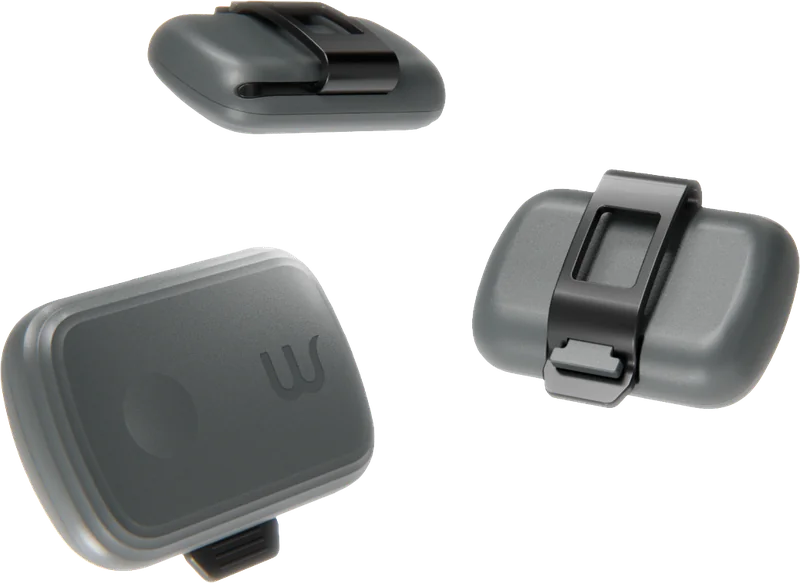 Knowing your tracker
Every feature, from location to walks, and how each one works.
Explore features
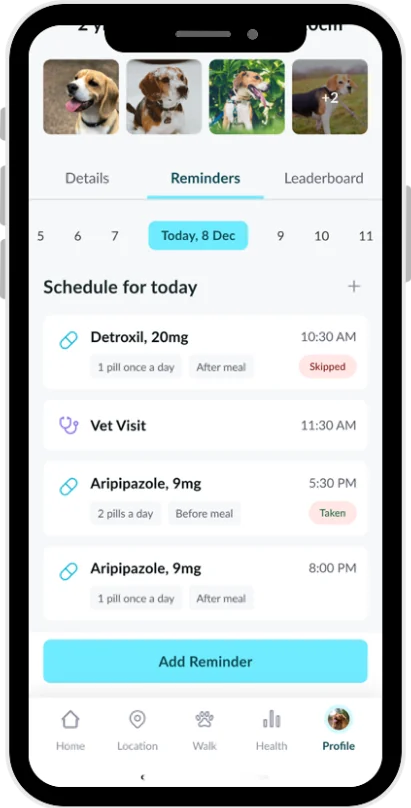 Troubleshooting
Tracker not working or charging, location, alerts, pairing, walks, phone settings and signing in.
117 articles