At a glance
Your Waggi tracker has one light and one button.
The light stays off most of the time. The tracker spends its day on your dog, and a glowing light would distract them or draw attention from other dogs and people. It only comes on to tell you something: when the tracker turns on, while it’s charging, while Live mode is on, and when it’s turning off.
The button does two things: press it once to send a fresh location, or hold it for three seconds to turn the tracker off.
What the light means
Each colour has one meaning, so you can tell what the tracker is doing at a glance.
Day to day
- Off
- Normal. The tracker is working, and keeps its light off while it’s on your dog.
- Flashing blue
- Live mode is on. The light flashes once a second until Live mode ends.
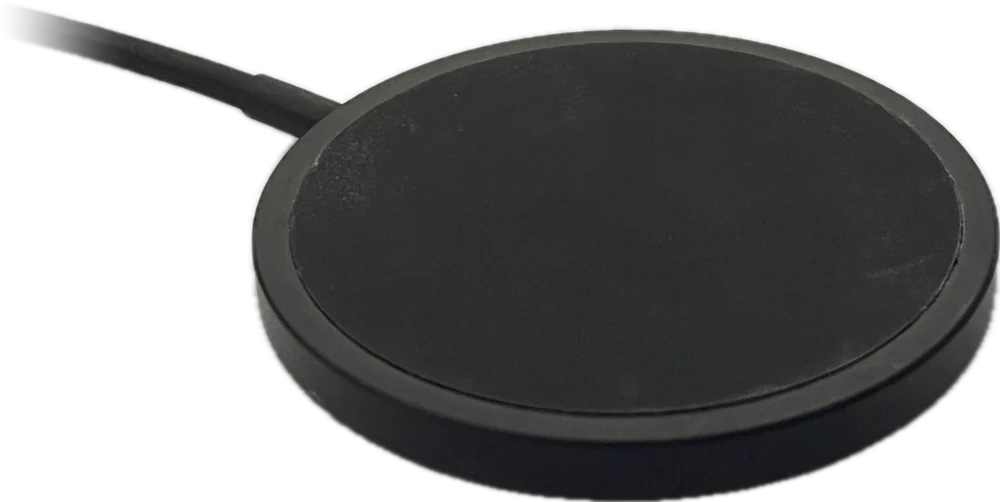
On the charging pad
- Red
- Battery low.
- Amber
- Partly charged.
- Green
- Fully charged.
Turning on and off
- Green for 3 seconds
- Off the pad, the tracker has just turned on. On the pad you’ll see the charging colour instead.
- Solid red
- Off the pad, the tracker is turning off, after the button was held for 3 seconds. The light then goes out.
The button
The button is on top of the tracker, at the opposite end from the Waggi logo.
What it does
- Quick press
- Asks the tracker to send an update now, instead of waiting for its next one.
- Hold for 3 seconds
- Turns the tracker off. The light turns solid red, then goes out.
While it’s charging
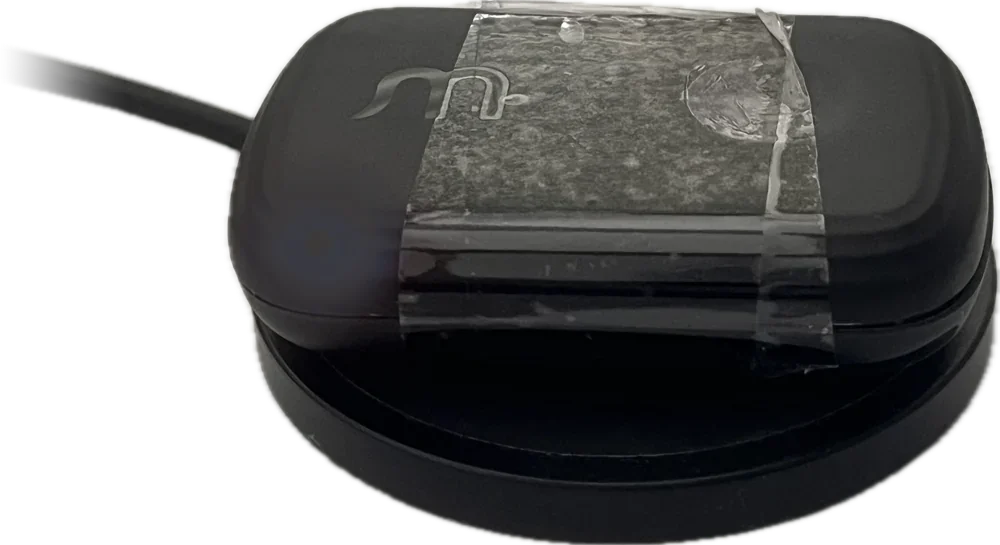
On the charging pad, the light shows how charged the tracker is. If the light is red, it turns amber as it charges, then green when it’s full.
The charging colour takes priority, so you’ll see it even while Live mode is on. Take the tracker off the pad and the light goes out.
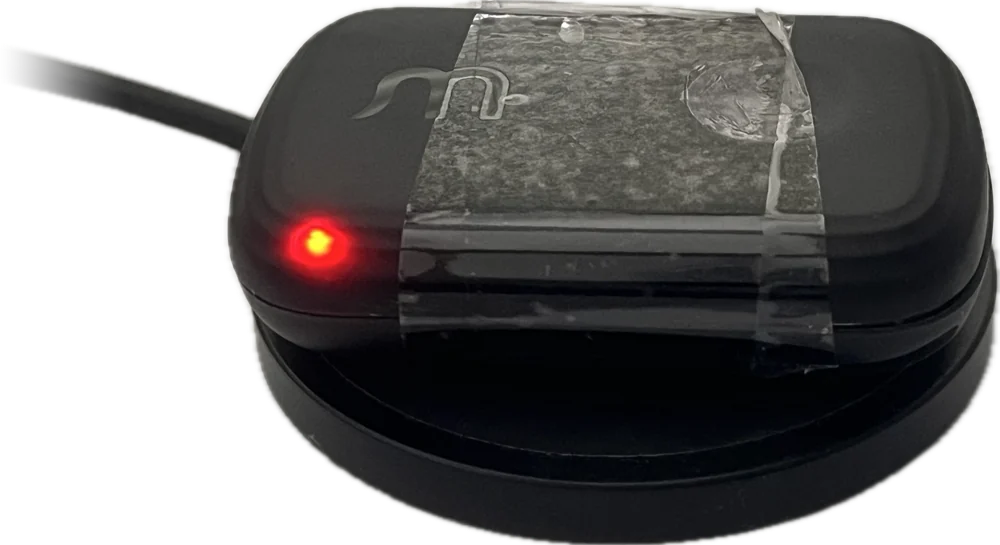 Red: battery low
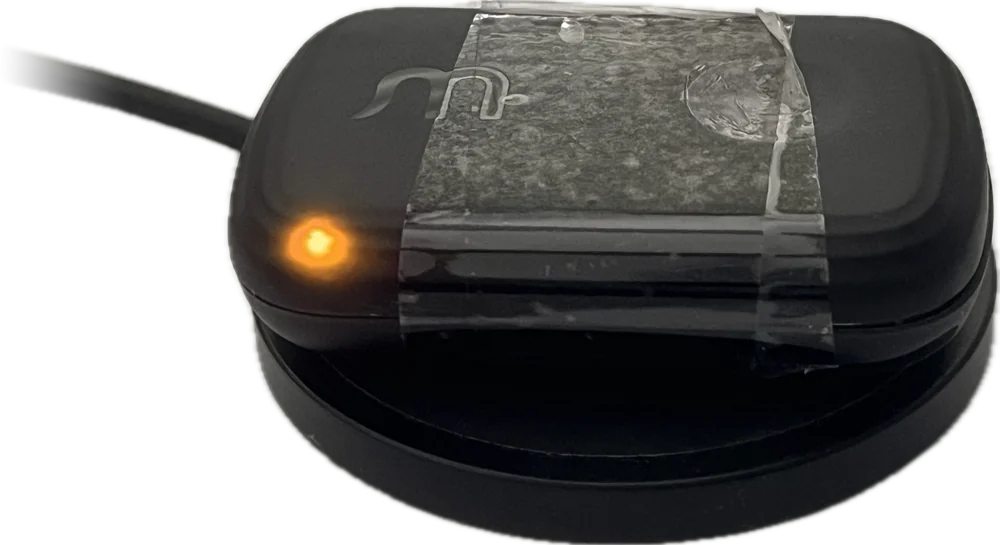 Amber: partly charged
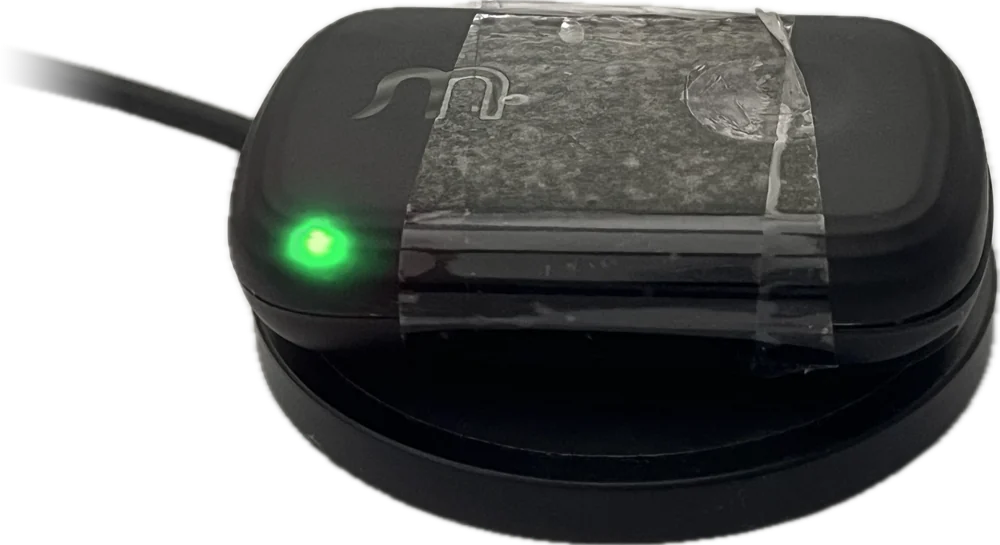 Green: fully charged
Different situations
- The light is off
- That’s normal. The tracker keeps its light off while it’s on your dog, and only lights up to tell you something.
- The light flashes blue
- Live mode is on. It stops when Live mode ends.
- You hold the button while it’s on the pad
- The light turns red, then the tracker restarts, because the pad keeps it powered. Take it off the pad to turn it off.
- You want an update now
- Press the button once. The tracker sends a fresh location, which can take a few minutes.
- The battery runs very low
- The tracker turns itself off to protect the battery, without the red light. Put it on the charging pad.
- The tracker is off
- Put it on the charging pad to turn it back on. The light shows the charging colour.
Frequently asked questions
The light
Why is the light off most of the time?
Because the tracker spends almost all its time on your dog. A glowing light would be distracting for them, and could draw unwanted attention from other dogs or people. So it stays off while the tracker is working normally, and only lights up to tell you something: when it turns on, while it’s charging, during Live mode, or when it’s turning off.
What does a blue flashing light mean?
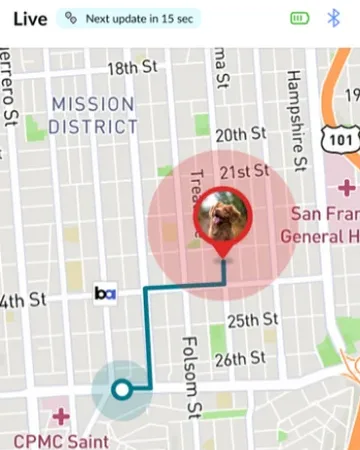
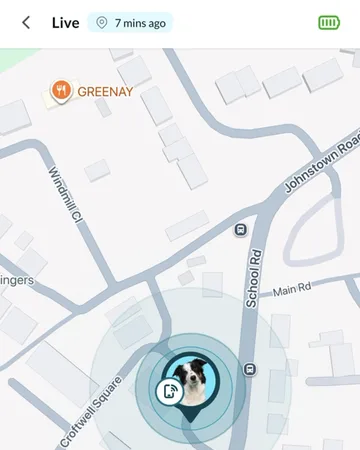
Live mode is on. The light flashes blue once a second for as long as Live mode runs, and stops when it ends.
What do red, amber and green mean on the charging pad?
They show how charged the battery is. Red means the battery is low, amber means it’s partly charged, and green means it’s fully charged. The colour changes as the tracker charges.
Why did the light turn solid red?
Off the pad, a solid red light means the tracker is turning off, after the button was held for three seconds. On the pad, red means the battery is low and charging.
The button
What does pressing the button do?
A quick press asks the tracker to work out where it is and send a fresh location, rather than waiting for its next update. That can take a few minutes. It doesn’t change any settings.
How do I turn the tracker off?
Hold the button for three seconds. The light turns solid red, then goes out. Take the tracker off the charging pad first, or it will restart.
How do I turn the tracker back on?
Put it on its charging pad. It turns on and the light shows the charging colour. If no light comes on, check the pad is plugged in and the tracker is flat in the middle of it. If it still won’t light up, see “The tracker won’t turn on or charge” under Troubleshooting.
Why did my tracker restart when I held the button?
It was on the charging pad. The pad keeps it powered, so instead of staying off it restarts. Take it off the pad, then hold the button again.